iter0
Back to templates

Security

Cybersecurity Software Website

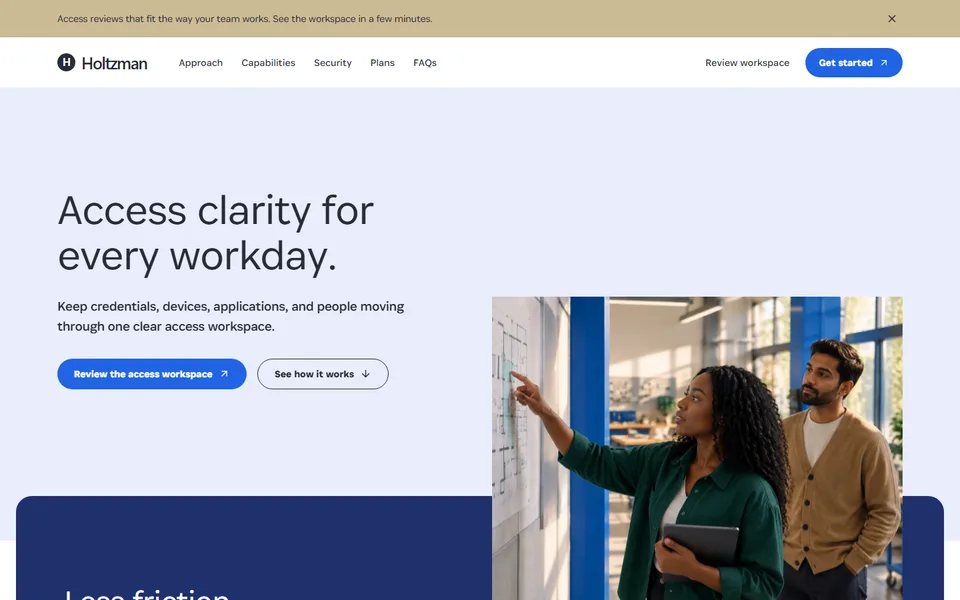
A business security template with an approachable image-led introduction, access and credential workspaces, clear capability plans, and useful security FAQs.

Best for

identity security, password management, access controls, device trust and B2B security software

Start with this visual direction, then adapt the content to your business in the builder.

Use this template

Page flow

A clear path through the product story

The page begins with an everyday access problem, then introduces credential, device and application visibility in plain language. Capability cards, practical review steps, plan options and FAQs build toward a workspace review rather than an unsupported security promise.

What it communicates

Why this structure works

The structure makes a high-stakes product easier to evaluate without making it feel casual. It communicates ownership, visibility and repeatable access decisions while keeping the human workday in view.

How to adapt it

Make it about your business

  1. Replace the people-led hero image with your own photography and rewrite the headline around the access problem your customers report most.
  2. Rebuild the security feature grid from the controls your product provides, such as credential sharing, device checks or access reviews.
  3. Rewrite the review workflow to show the steps an administrator takes in your product, such as finding an unused account and removing its access.
  4. Update the plan cards with your tiers, and fill the security FAQ with the questions your sales team hears most often.

What to bring

Prepare these before you build

  • Anonymised screenshots of your admin console and access reports
  • A precise list of security controls, encryption details and supported platforms
  • Certifications, audits or independent assessments you hold, with dates
  • Plan tiers, pricing and what each tier includes
  • The questions prospects most often ask during a security review

The template sets the visual direction. Your own business details, brand, images and proof supply the content.

Cybersecurity Software Website template questions

What should a cybersecurity software website include?

Security buyers look for specifics: which risks the product addresses, how the controls work, what an administrator does day to day and which certifications or audits back that up. This template covers access visibility, a feature grid, a review workflow, plans and a security FAQ. List only certifications you hold, and avoid absolute claims such as being unbreachable or fully compliant.

How do I make a B2B security product easy to understand?

Start with an everyday problem, such as a former employee who still has access to shared accounts, then show how your product helps an administrator find and fix it. Plain language and a clear review workflow tend to explain more than a long list of acronyms. This template is built around that approach, with technical detail kept for the feature grid and FAQ.

Can I use this template for identity or device management software?

Yes. The access overview and review workflow sections suit identity, single sign-on, device trust and privileged access products as well as password management. Rename the feature grid to your control areas and replace the example screens with anonymised captures from your product. For each control you list, link to the documentation page that explains how it works, so a security reviewer can check it.