iter0
All templates

iter0 templates

SaaS website templates

Put the product on the first screen. Say who it is for and what job it does, then show a piece of it working beside the headline. The SaaS templates below do this with a booking preview, a team workspace or an analytics window. Open the one closest to your product and replace every word and image with your own.

A SaaS homepage, section by section

Work down the page in this order. Each section comes with the question a visitor is asking when they reach it and the templates that already answer it. A section you cannot fill with something true comes out.

  1. Step 1

    A hero that shows the product

    The buyer asks: What is this, and is it for a team like mine?

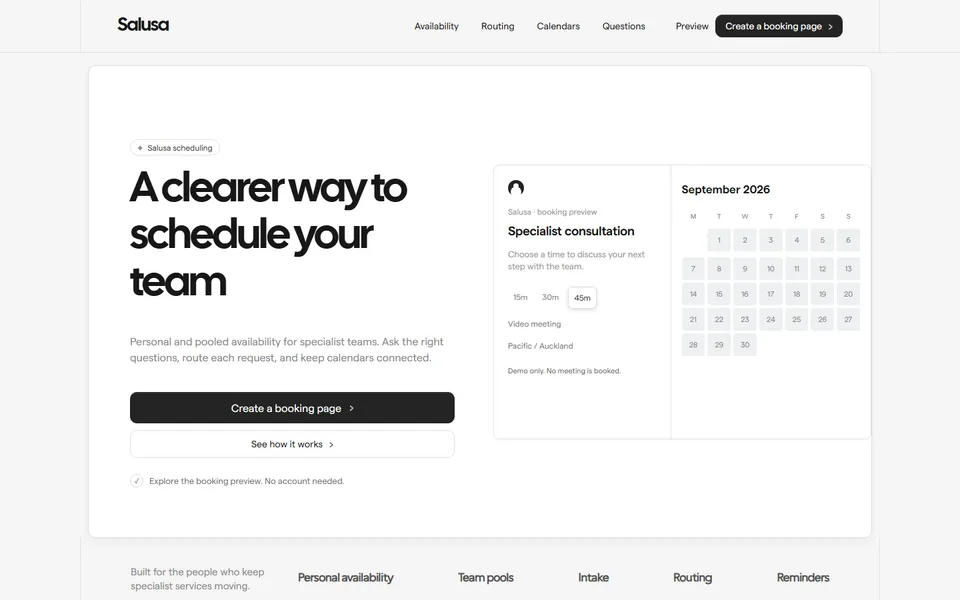
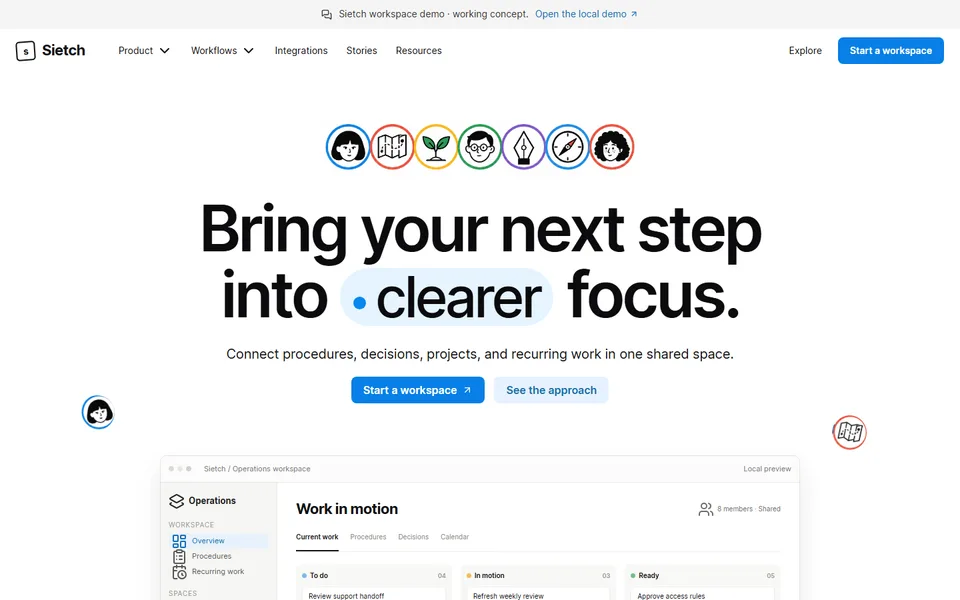
    Say who the product is for and what job it does in the headline, then put a working piece of the product beside it. Scheduling SaaS Website opens on a booking preview with a date and a time to pick. SaaS Workspace Landing Page opens on a workspace with notes, procedures and decisions in one view.

    See it in the templates

  2. Step 2

    Modules named by the job they do

    The buyer asks: Does it cover what my team does every week?

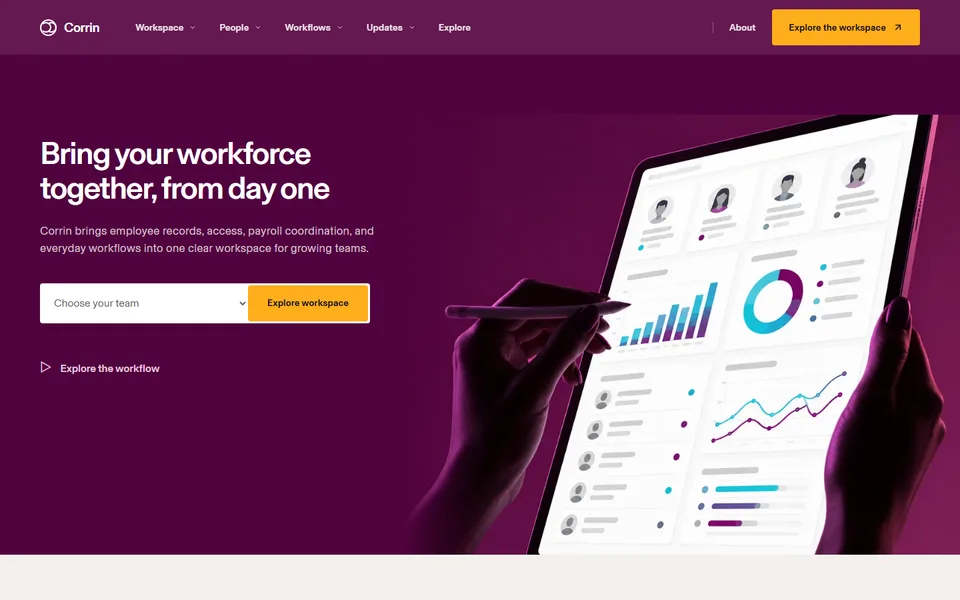
    HR Software Website groups People, Lifecycle, Payroll, Devices + apps, Expenses + spend and Reporting under one workspace, so six modules read as one product. Fintech SaaS Landing Page names its modules by outcome instead: see live cash across every entity, flag payment risk before funds move. Label yours the way a customer would on a call.

    See it in the templates

  3. Step 3

    One example that crosses the product

    The buyer asks: What happens when two teams touch the same thing?

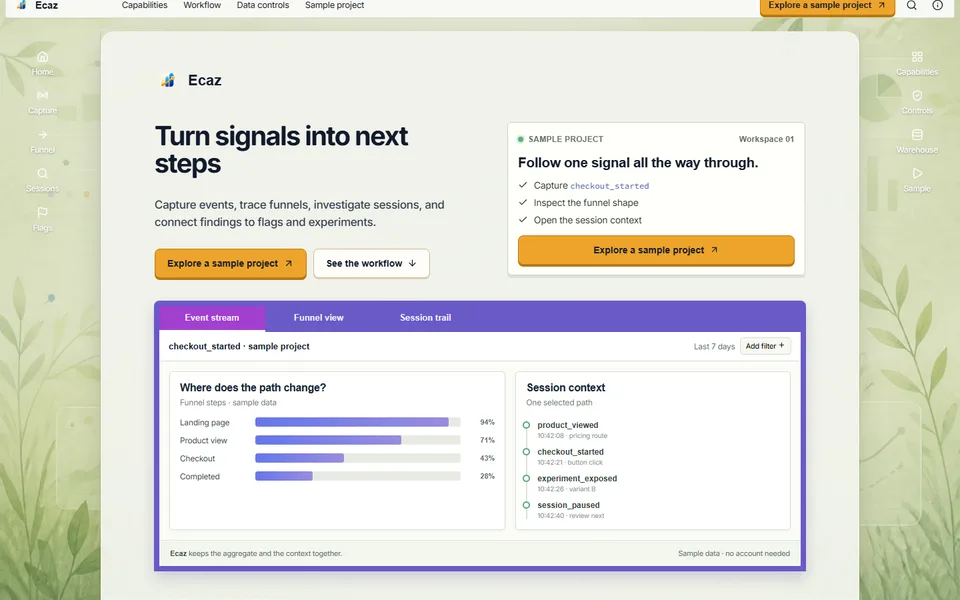
    A feature list cannot show modules handing work to each other. A worked example can. HR Software Website follows one role change through People, IT and Finance. Product Analytics Website follows one signal from a funnel to a session to a release decision. SaaS Workspace Landing Page runs short stories about a weekly review, a decision trail and a handoff. Pick an example your best customer would recognise from their own week.

    See it in the templates

  4. Step 4

    Permissions and data controls

    The buyer asks: Who can see and change what?

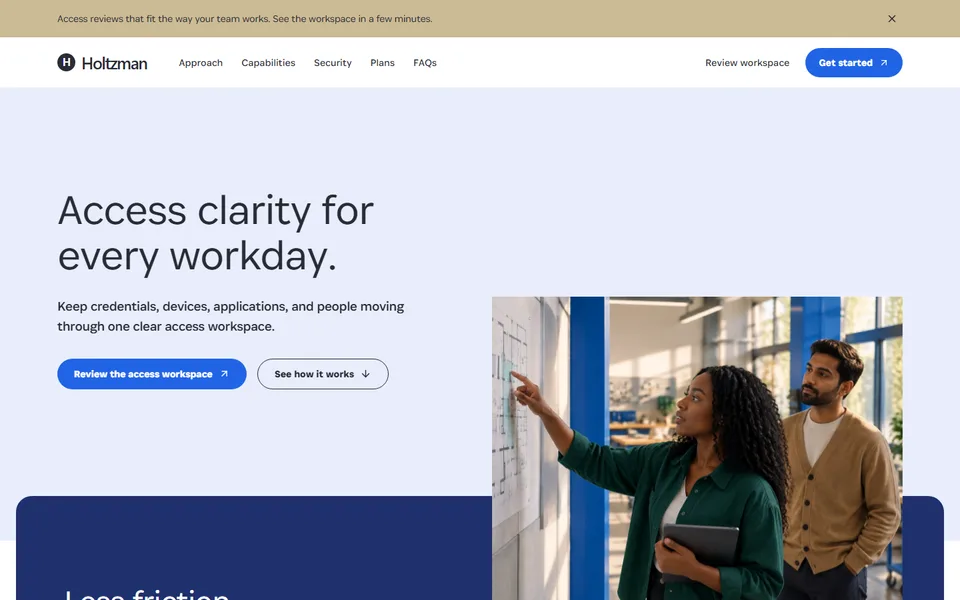
    Write this section so your buyer can forward it to a manager or an IT lead. HR Software Website shows three levels, Can access, Can view and Can request. Cybersecurity Software Website pairs each access policy with the person and the device. Product Analytics Website gives the data path and the warehouse export a section. Use the permission names your product uses.

    See it in the templates

  5. Step 5

    Integrations and set-up

    The buyer asks: Will it work with what we already run, and who sets it up?

    Answer this on the page, so nobody has to book a demo to find out. Fintech SaaS Landing Page lays out three routes: build without heavy lifting, use a connected partner, or build your own control layer. Scheduling SaaS Website gives calendar connections their own section. List the integrations that exist today and nothing else.

    See it in the templates

  6. Step 6

    Plans, questions and one action

    The buyer asks: What does it cost, what is the catch and what do I do now?

    Close with the answers a buyer would otherwise email you for, then give one action sized to the product. A product people can try alone ends on a trial or a sample. A product sold to a finance team ends on a demo. Cybersecurity Software Website puts plans and a security FAQ ahead of its closing button. Scheduling SaaS Website ends on Create a booking page. Fintech SaaS Landing Page ends on a demo request.

    See it in the templates

Which SaaS template to use

Choose by what your buyer needs to see first. The closer a template's first two screens are to yours, the less you rewrite.

SaaS Workspace Landing Page template preview

SaaS Workspace Landing Page

SaaS

Fits when
Your product is flexible and buyers struggle to say what it is for.
What the page does
The page opens on a workspace you can see, then walks through three recurring jobs: a weekly review, a decision trail and a handoff. It ends on one action, start a workspace.
Where it stops
It stops at one action and has no plans or FAQ section. Buyers who compare prices first are better served by Cybersecurity Software Website.
Fintech SaaS Landing Page template preview

Fintech SaaS Landing Page

Fintech

Fits when
You sell finance software to a team with several roles in the room and a demo before any trial.
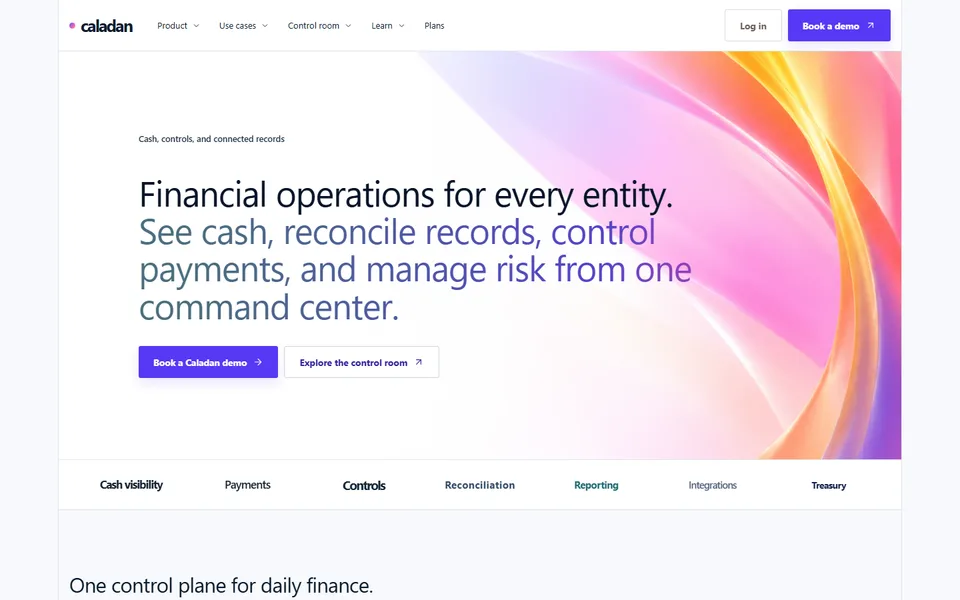
What the page does
It names modules by outcome, adds a band for finance teams of different sizes, lays out three integration routes, then closes with plans and a demo request.
Where it stops
It is a long page. A product that does one thing fits a shorter one such as Scheduling SaaS Website.
HR Software Website template preview

HR Software Website

HR Tech

Fits when
Your platform covers people, payroll and IT, and each module sounds like a separate product.
What the page does
It starts from the employee, groups six modules into one workspace, shows a permissions panel and follows a role change across People, IT and Finance.
Where it stops
No plans section. If buyers expect to see plans, use Cybersecurity Software Website.
Cybersecurity Software Website template preview

Cybersecurity Software Website

Security

Fits when
You sell security to a company that has to roll it out to its staff.
What the page does
It explains the approach in plain language, covers three capabilities, shows three plan cards and answers questions in a security FAQ.
Where it stops
It leads with explanation and plans. A product people try first belongs on Scheduling SaaS Website.
Scheduling SaaS Website template preview

Scheduling SaaS Website

SaaS

Fits when
Your product's result is something a visitor can try in one sitting.
What the page does
It puts a working booking preview in the hero, then covers a three-step set-up, personal and team availability, routing, calendar connections and a short FAQ. It ends on Create a booking page.
Where it stops
The booking preview is local: it books nothing, and the page says so.
Product Analytics Website template preview

Product Analytics Website

SaaS

Fits when
You sell to product and engineering teams who want to know where their data goes.
What the page does
An application window opens the page. It then follows one signal from event capture through funnels and sessions to feature flags and experiments, with a section on data controls and a sample project to open.
Where it stops
It sells a whole workflow, so a product with one narrow report needs a template with fewer sections.
Presentation Software Website template preview

Presentation Software Website

SaaS

Fits when
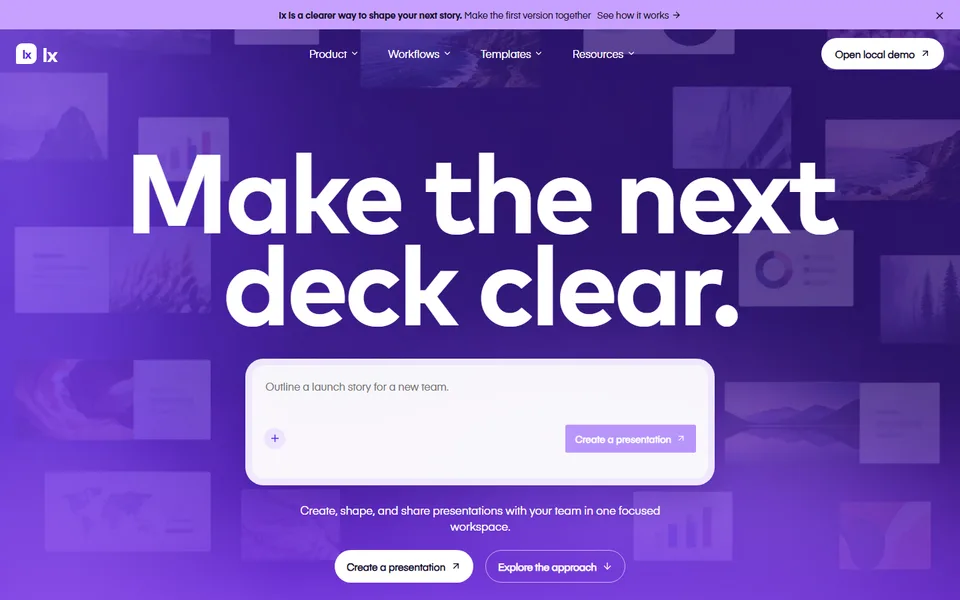
Your product is a creative editor, and the editor itself is the proof.
What the page does
It opens on the product with a local demo, then splits into making slides, brand controls, live collaboration and presenting. A toolkit section covers the smaller tools, and the demo exports an outline.
Where it stops
No plans section. Add plan cards if your product sells on price.

SaaS template questions

Do I have to keep every section in a SaaS template?

No. Keep a section only if you can fill it with something true. A plans section needs real plans, and a permissions panel needs your own permission names. Delete the rest, or pick a template that does not have them.

Which SaaS template should I use for a product in beta?

Use Scheduling SaaS Website or SaaS Workspace Landing Page. Each ends on a single action that you can point at a trial or a waitlist. Say what works today in the hero and leave plans out until you have them.

What does a SaaS template cost to use?

Previewing a template costs nothing. Building a page from it uses one credit, the same as any page build. The Free plan includes 3 credits a month, Hobby is $5 for 15 and Pro is $25 for 100.